
Question about Rekordbox 7, hardware feature unlock or registration? how is it done?
Hello, good afternoon, I was watching the introduction video to rekordbox 7, I already installed it, they mention that if you have your devices connected or registered in the hardware section of your pioneerdj.com account, the premium functions are unlocked, but it still appears that I have TRIAL version.
I use and register (4) CDJ3000 + (1) DJM-V10 + (1) RMX-1000 but I am still in the trial version, what is the step to follow to have the full program unlocked?
thank you
Please sign in to leave a comment.
Can't find help? Search our Support Site or alternatively, reach out to our Support agents
This is also happening to me with my DDJ-400. I've tried everything, and I just reached out to Pioneer support. Super frustrating.
Any update?
Same issue with XDJ AZ,
Its really question fro AT regarding user expirience. We can't use normally equpment for one month in case of Automatic trial? Thats a bit frustrating.
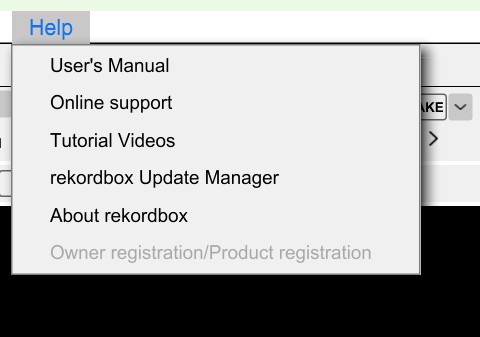
Owner registration is only available after the Trial has expired.
Yes, but why like that?
I recall that I ran into this problem again as some point but I could not remember how I fixed it. So I asked Gemini;
When Rekordbox gets stuck in a trial loop, fails to register hardware unlock, or fails to initialize trial states, corrupt entries in this configuration file are typically the cause.
File Locations
Windows:
C:\Users\<YourUsername>\AppData\Roaming\Pioneer\rekordbox\activations.xml(Note:
AppDatais a hidden folder. Type%appdata%\Pioneer\rekordboxin File Explorer to jump straight to it.)macOS:
/Users/<YourUsername>/Library/Application Support/Pioneer/rekordbox/activations.xml(Note: Open Finder, select Go > Go to Folder..., and paste
~/Library/Application Support/Pioneer/rekordbox/)What to Do
Close Rekordbox 7 completely.
Locate and delete
activations.xml(or rename it toactivations.xml.bakas a backup).Re-open Rekordbox 7 and log in to your AlphaTheta / Pioneer DJ account. The application will regenerate a fresh file and re-evaluate your hardware unlock state or plan status.
(Alternatively, if you didn't delete the whole file, you may have opened
activations.xmlin a text editor and manually removed the lines starting with<init_done ...>or<trial ...>to force the initialization checks to reset.)35 comments