
DDJ-800 Microphone Feedback Reducer (How do I activate / invoke it?)
Hi community,
One of the selling points of the DDJ-800 controller is the Microphone Feedback Reducer however there's nothing in the DDJ-800 manual about it.
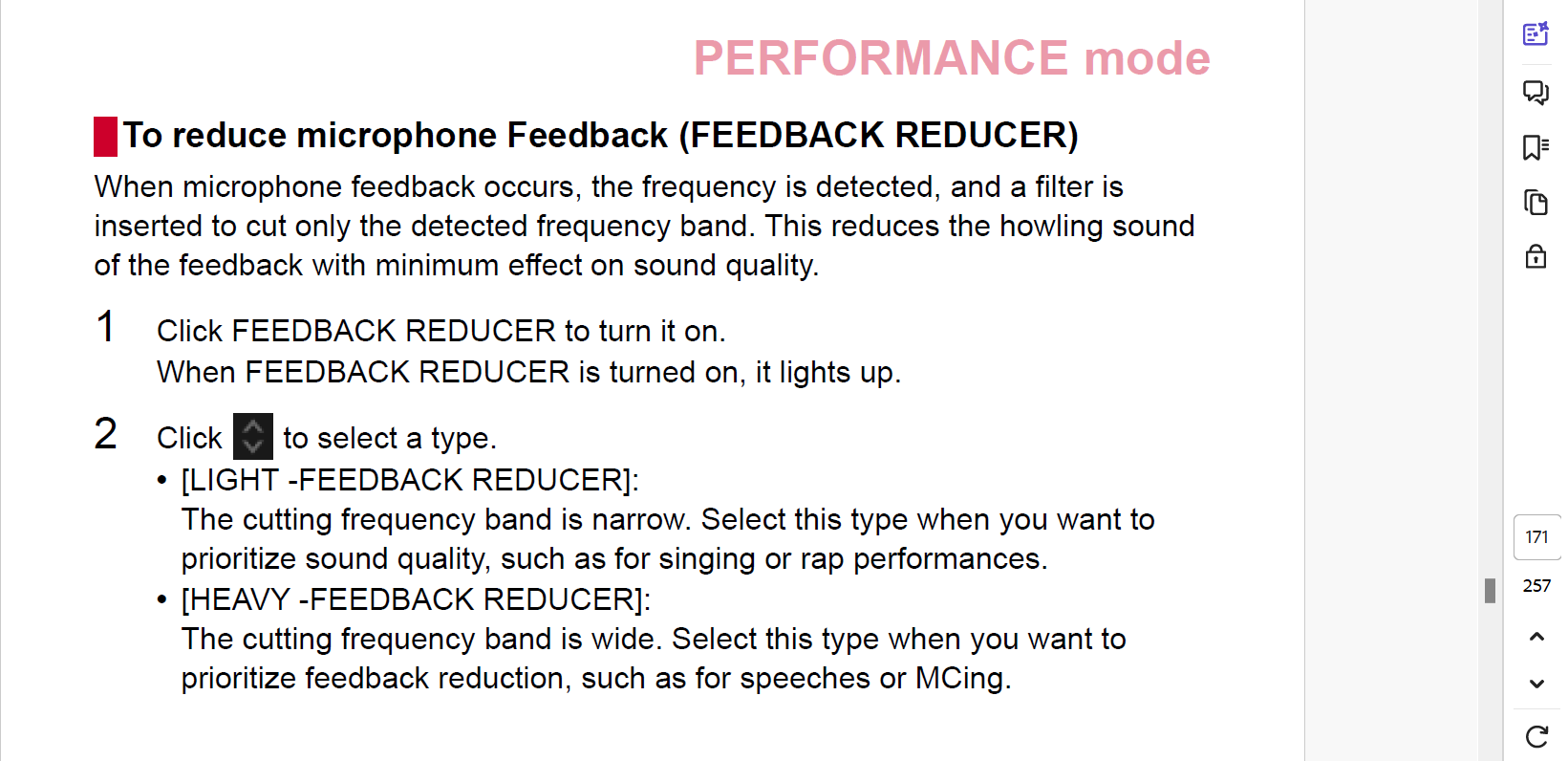
It is however mentioned in the rekorbox manaul (I use version 7.0.4 - the latest version) and while the manual says "Click feedback reducer to turn it on" it doesn't say where. I did a search in preferences and theres no option there. I need some help to try out this function.
Thanks in advance.
See extract of the rekordbox ver 7.0.4 manual below (page 171)
Please sign in to leave a comment.
Can't find help? Search our Support Site or alternatively, reach out to our Support agents
So I found the answer to my own question :-)
After scouring the internet I found a review or rarther In-Depth 1st look video on YouTube showing how to use the feedback reducer on the DDJ-800 (Thanks "The DJ Shop TV"). I deduced from the video that it was a software feature which is only displayed in rekordbox if the DDJ-800 (or other compaitble hardware) is connected.
I went back to the rekordbox 7.0.4 manual and the information was actually there on page 169 under Performance mode / Use of the Microphine panel. I'm not sure why when I searched for feedback reducer initially this page wasn't found.
So the mixer panel has to 1st be displayed from rekorbox (as shown in the above screenshot) which will then expose the microphine panel. The above screenshot shows the available options.
As a bonus I have discovered that I in fact have microphone effects on both Mic inputs along with the feedback reducer. Great work rekordbox / Pioneer / AplhaTheta
1 comment