
Cannot choose sort options for Dropbox cloud play on Opus Quad
How do you sort your options for cloud direct play on Opus Quad?
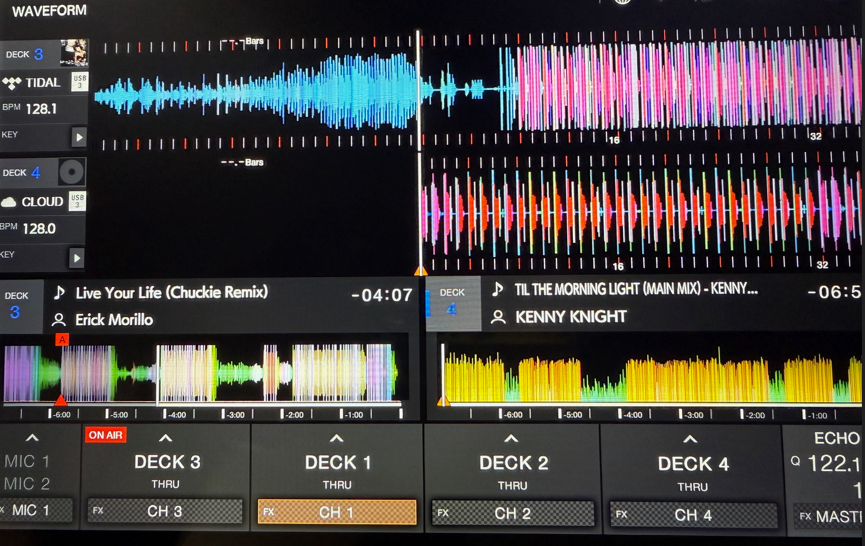
I have my library uploaded to Dropbox 1TB plan and when i go to use it 2 things are different from when playing off Tidal or USB local
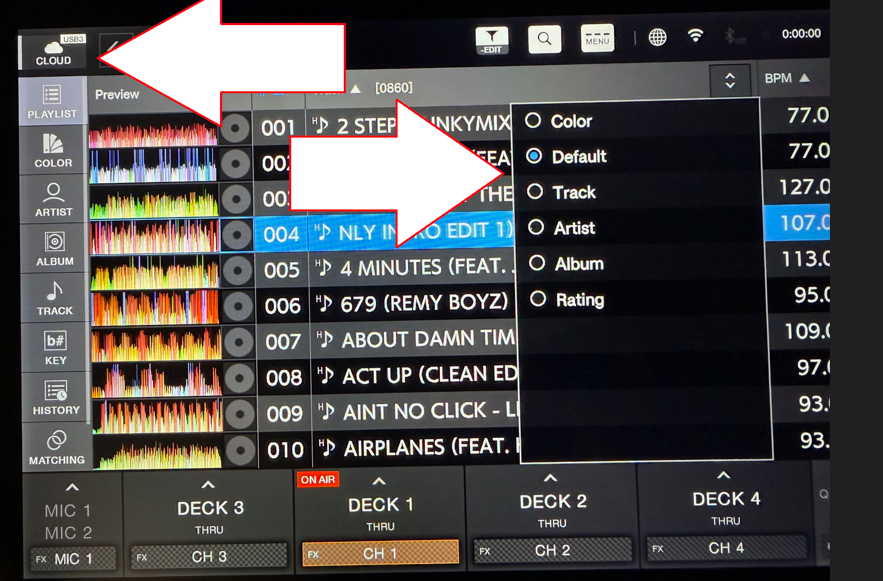
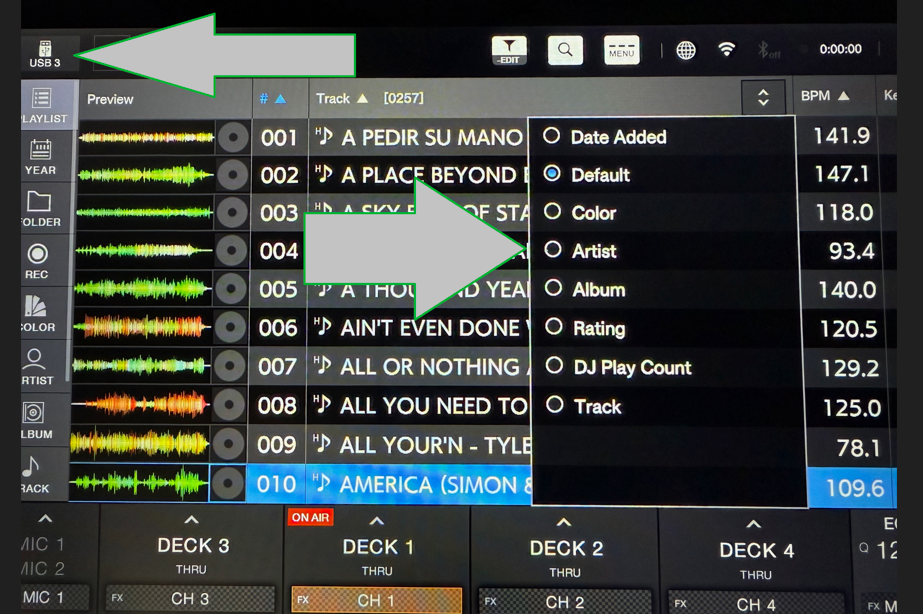
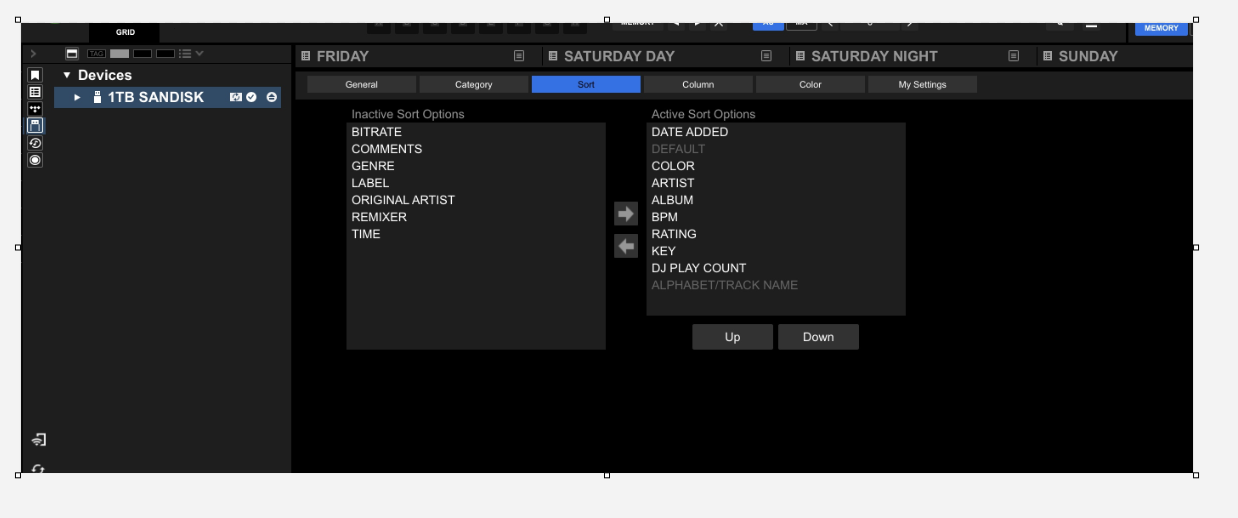
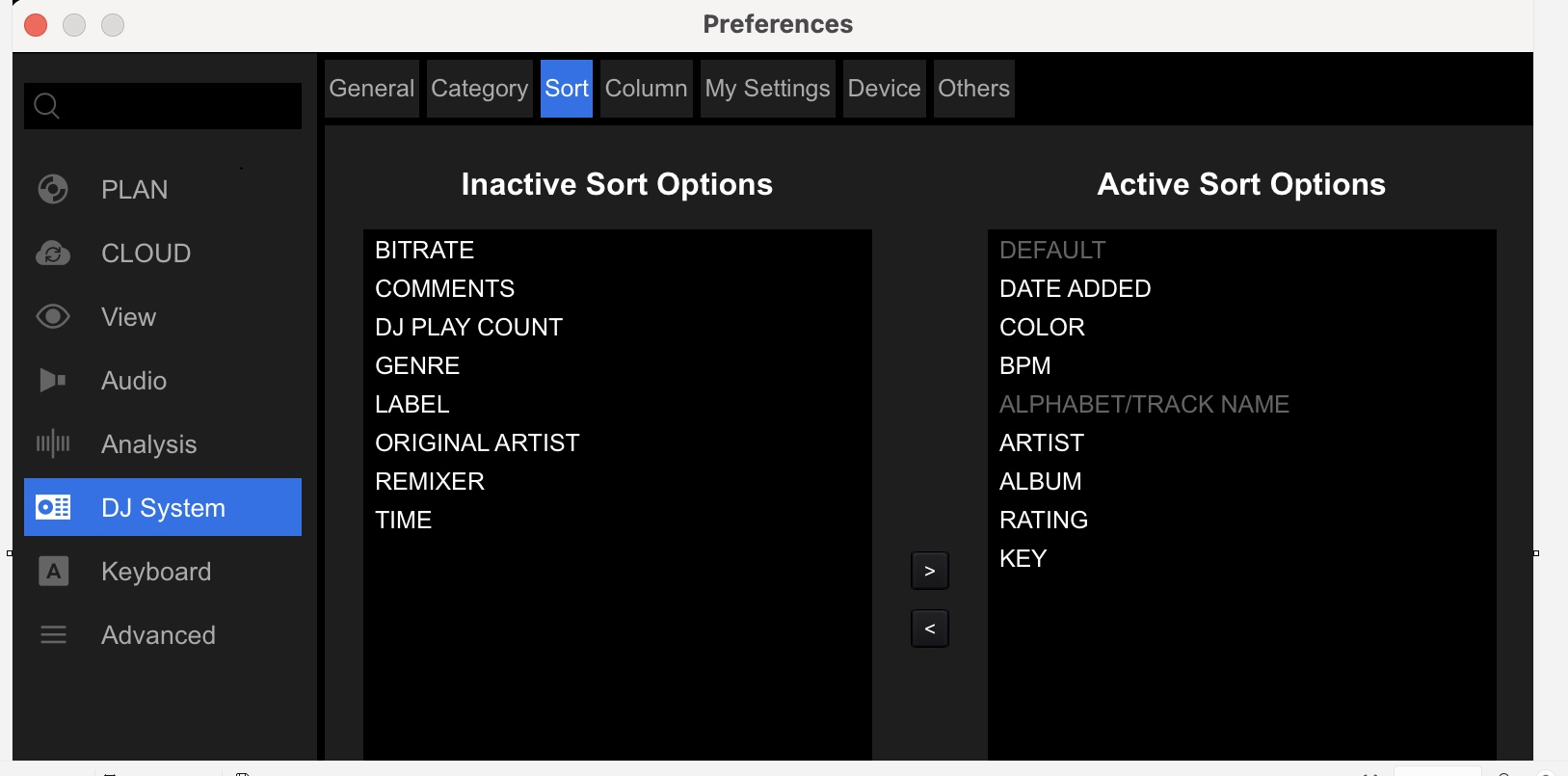
1. My sort options are a Pioneer default, i cannot change them and they do not match my sort options on that same USB
with cloud
with USB the way i want the sort to be and chose
2. the wave at the bottom is half view vs full like i have selected in all spots
Please sign in to leave a comment.
Can't find help? Search our Support Site or alternatively, reach out to our Support agents
The engineer and I confirmed the similar result when using CloudDirectPlay and it seems the sort option decreases.
It may take time to investigate this issue, so we would recommend to open a ticket.
1 comment