
Missing Files after rekordbox.xml export. ITUNES link in RB cannot find previous files.
Example:
Testing ITunes -
1. all files are available in ITunes/AppleMusic.
2. The library.xml is a fresh export of the present music library.
3. The file names appear in RB in their respective itunes playlists.
Action taken:
1. in export mode, click the sync icon and use the sync dialog to get tracks from Itunes to RB
2. click the itunes icon to seach the playlist
3. click on or drop the files into the RB player.
4. Result is: most of the files in the playlist are missing
5. a right click on the file to RELOCATE only shows "flie is missing" but the possible fixes like "relocate" are grey and not available.
second action:
1. right click the playlist shown in RB from the itunes icon collection
2. import playlist to RB
3. sync per export mode from dialog
4. check playlist for tracks
5. Result: only three of 27 tracks show up in RB
third action:
1. Export the playlist from itunes to .m3u8 format
2. import playlist into RB
3. check each track in playlist in RB
4. all 27 tracks are shown
5. all 27 tracks actually are found and NOT missing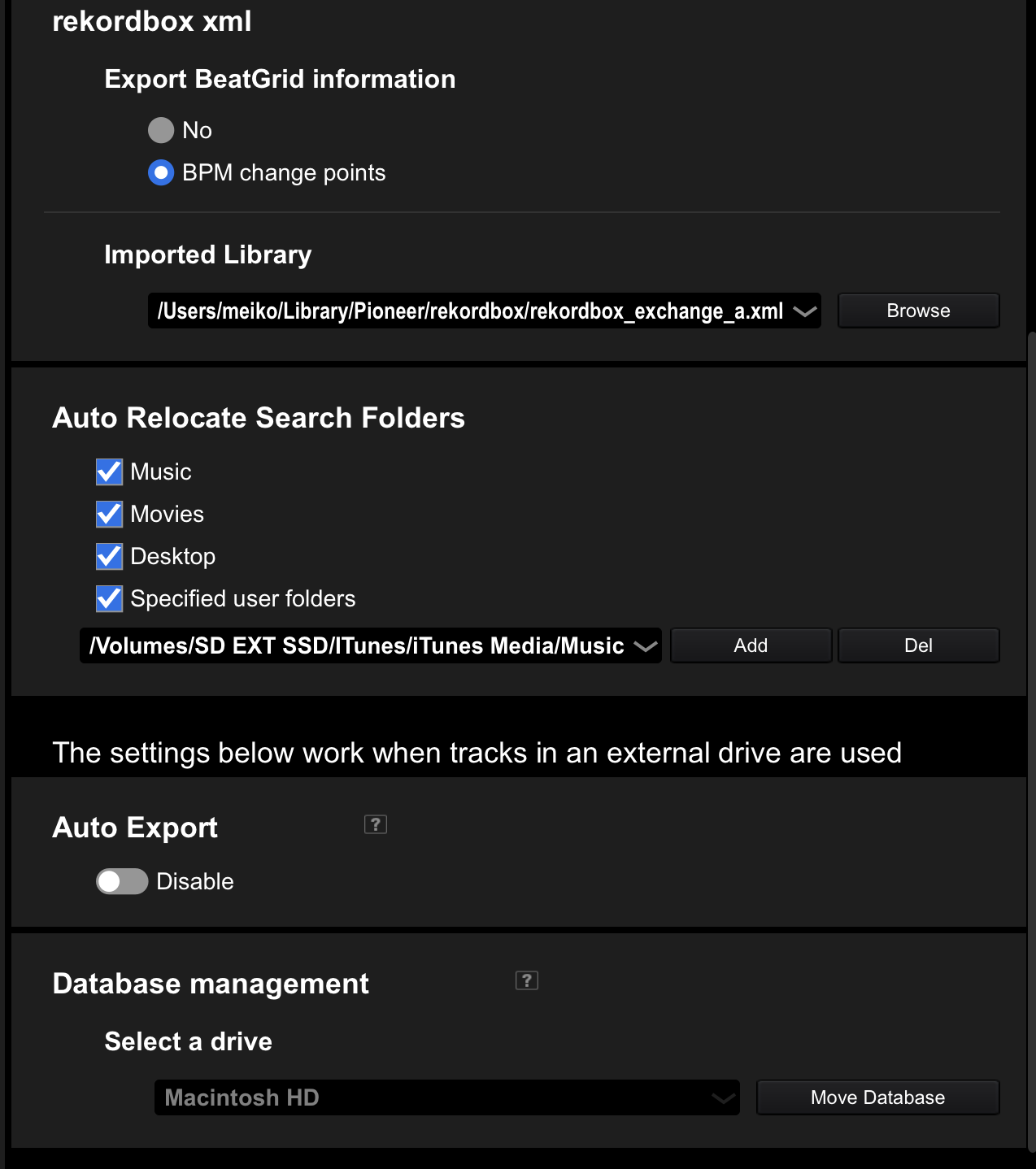
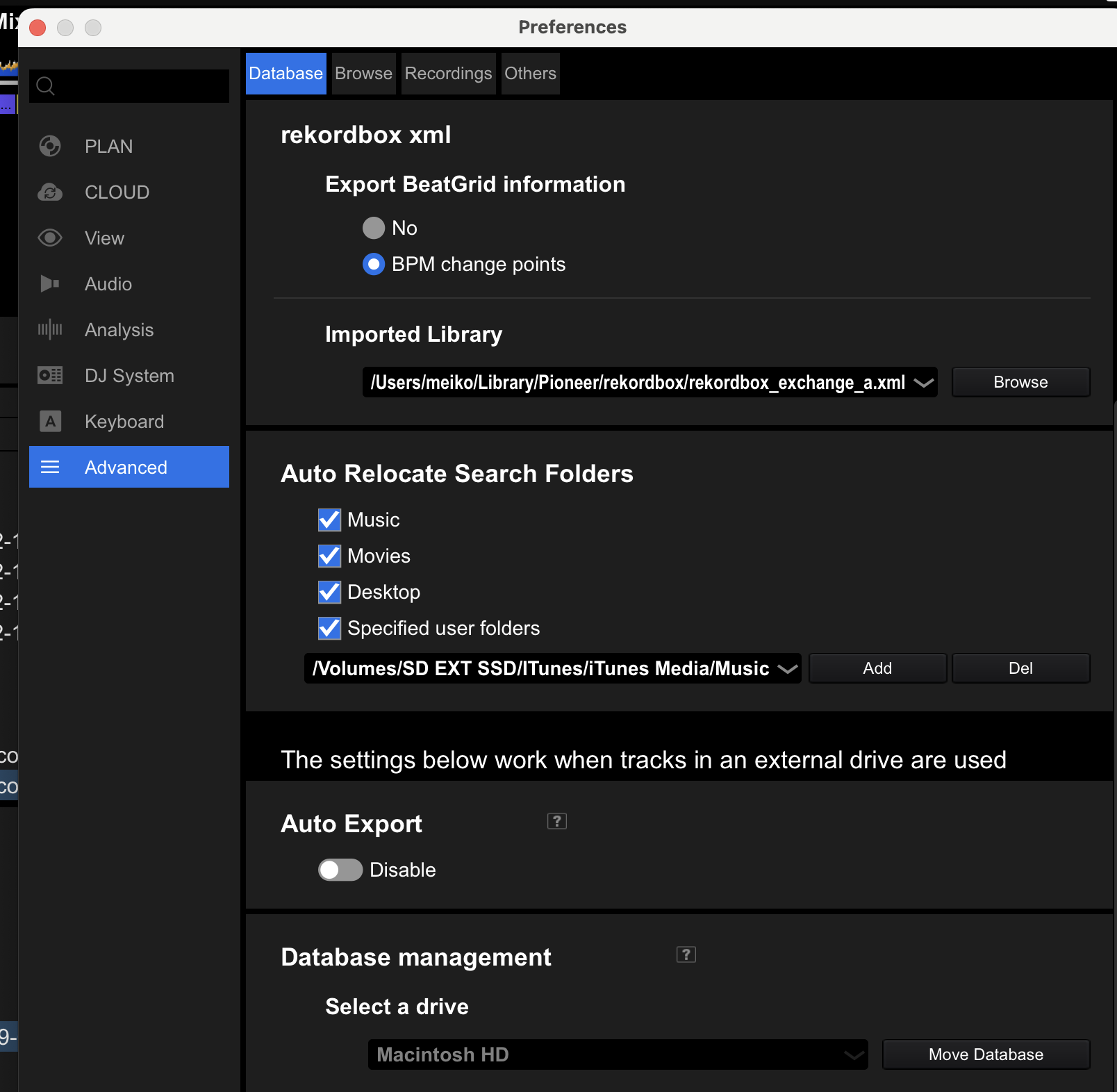
PROBLEM 1: why is the itunes library.xml no longer being read correctly??
PROBLEM 2: why can't I manually or automatically relocate the missing files?
Can't find help? Search our Support Site or alternatively, reach out to our Support agents
Can you please file an inquiry ticket here and our support team will gather some additional information to assist you in resolving this issue.
1 comment