
Exported Playlists missing, despite being on Device Library
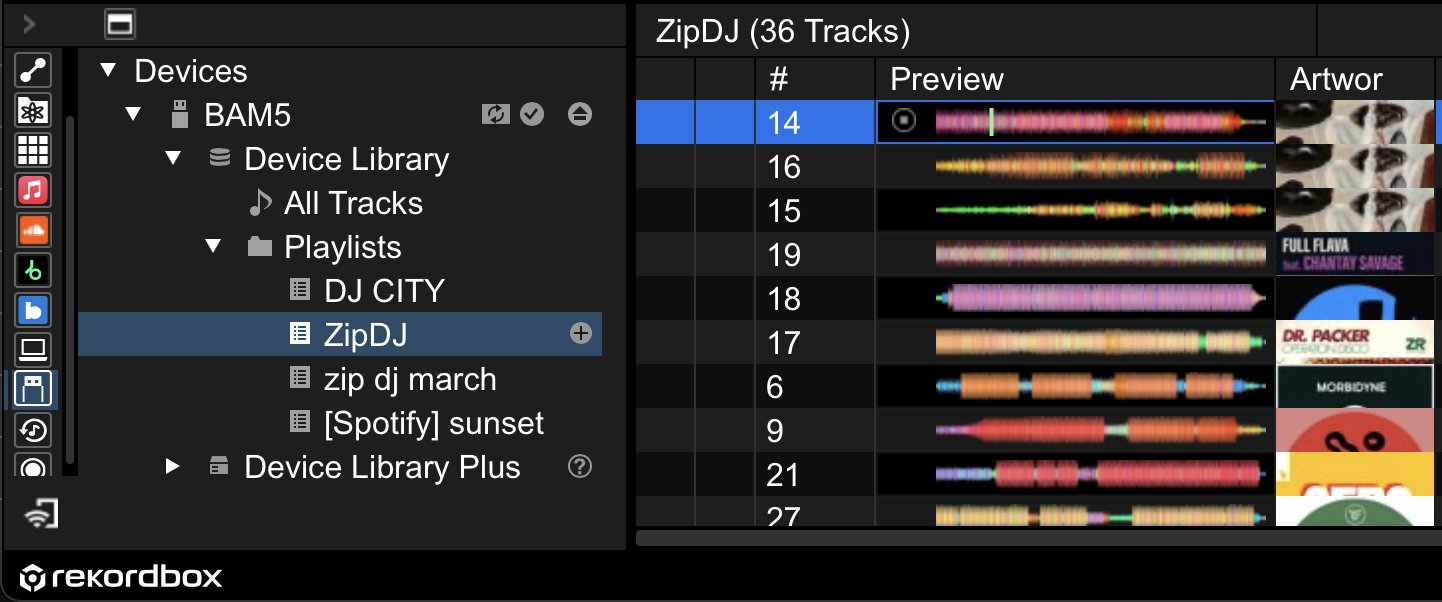
tl;dr the title: i open a playlist through the "playlist" tab and I see a playlist that i imported into rekordbox and supposedly exported to my performance USB. The problem is that all the songs there are missing. I open my performance USB through the "device library" and its working just fine.
additional context:
1. i fixed my music library and basically wiped my old USB and put it into an external harddrive (which includes non-music files).
2. I reorganized my music into 2 music dump folders.
3. I open rekordbox and I export the 2 folders into my performance USB (while both drives are plugged in). (since I dont know what import does... i also import it to be sure). Note: the performance USB is the authenticated device
4. with only my performance USB plugged in, I open rekordbox again and when I try to open my playlist all the files are missing. Not even when I make an intelligent playlist.
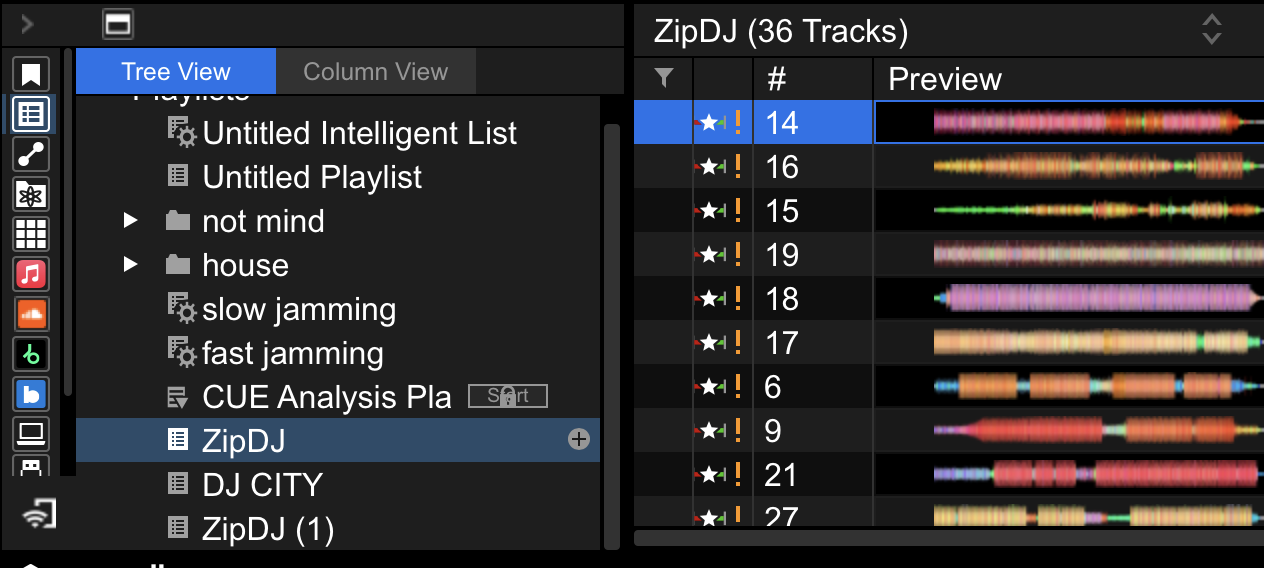
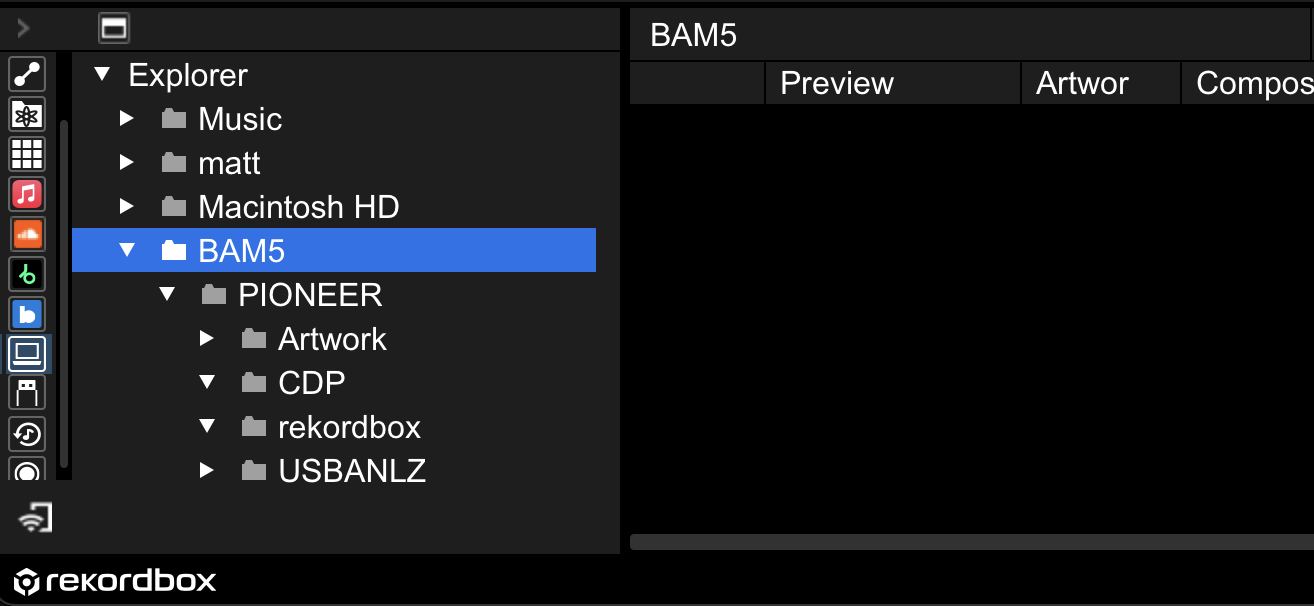
5. I cant find the playlists in the Explorer tab or looking straight into my USB's files.
6. I open the section where the "Device Library/Device Library Plus" is and my playlists are there. I can play the music just fine from there. Still can't use the playlist
Can't find help? Search our Support Site or alternatively, reach out to our Support agents
Can you please file an inquiry ticket here and our support team will gather some additional information to assist you in resolving this issue.
1 comment