
Step 3 for Cloud Setting can not be performed to allow Cloud Option 1TB
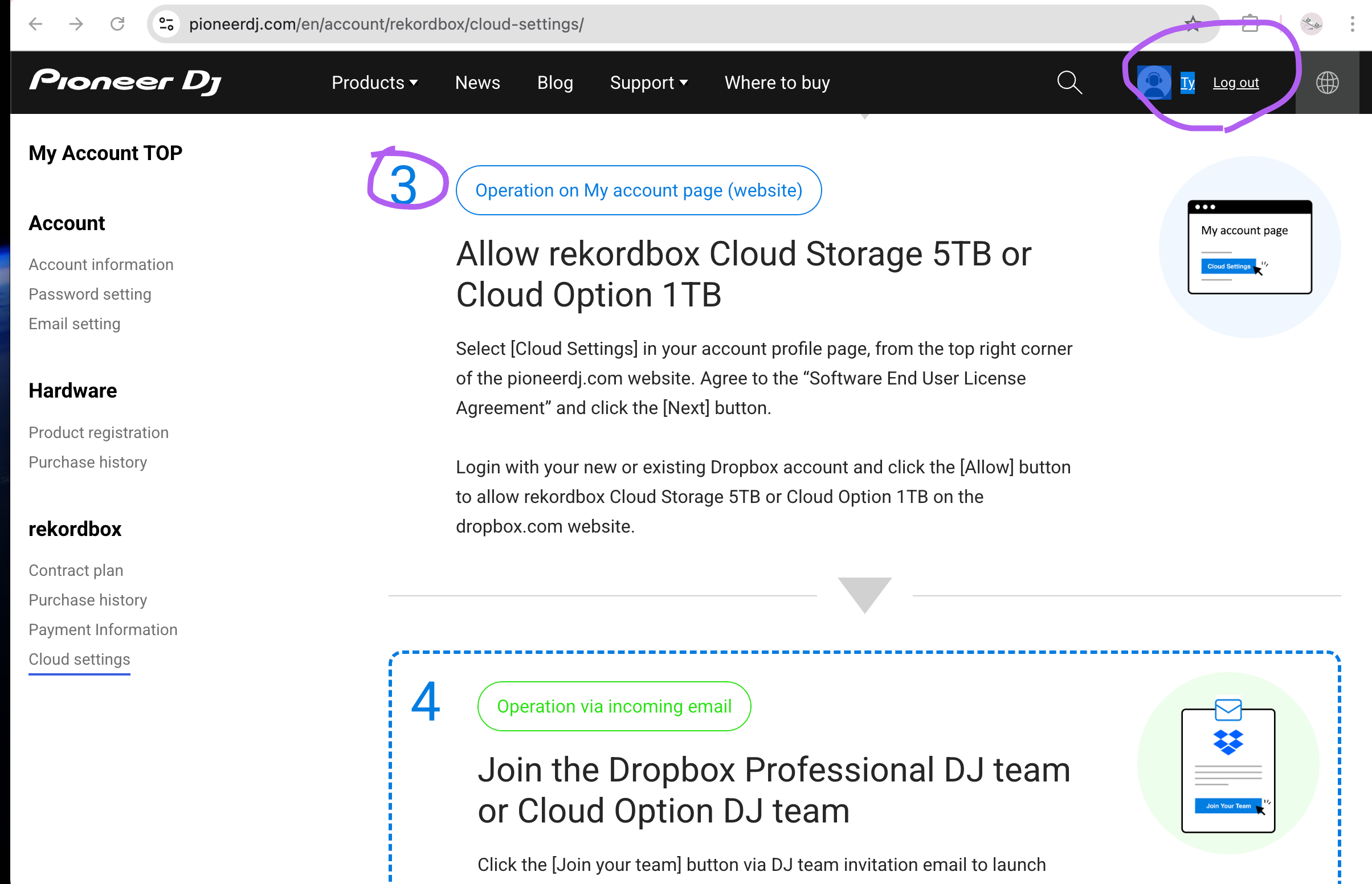
I subscribed for Free plus Cloud Option with 1TB Dropbox storage (step 1) and downloaded Dropbox app (step 2) according to the Cloud Setting instruction. However, from the top right corner of the pioneerdj.com, I do not see Cloud Setting in my account profile page and agree to the software end user license agreement and click the next button. Could you help?
Please sign in to leave a comment.
Can't find help? Search our Support Site or alternatively, reach out to our Support agents
It seems that one of the previous Cloud Setting page at pioneerdj.com that I clicked open has the NEXT button in the bottom of the page. So I clicked NEXT.
Then I also noticed in another page which allows me to join the Cloud Option in Dropbox website.
Then I browsed around Dropbox notification and saw a message to join the Cloud Option team. I clicked that and then have 1TB Dropbox storage (sorry I clicked the button without taking the screenshot)
1 comment