
[BUG REPORT] DDJ-FLX4 Connection Instability & Power Issues after Rekordbox 7.2.8 Update (Mac M1)
Hi everyone,
I am writing to report serious instability issues immediately after updating to Rekordbox 7.2.8.
My Setup:
-
Computer: MacBook Pro (M1 Pro chip)
-
OS: macOS Sequoia 15.6.1
-
Controller: DDJ-FLX4
-
Software: Rekordbox 7.2.8
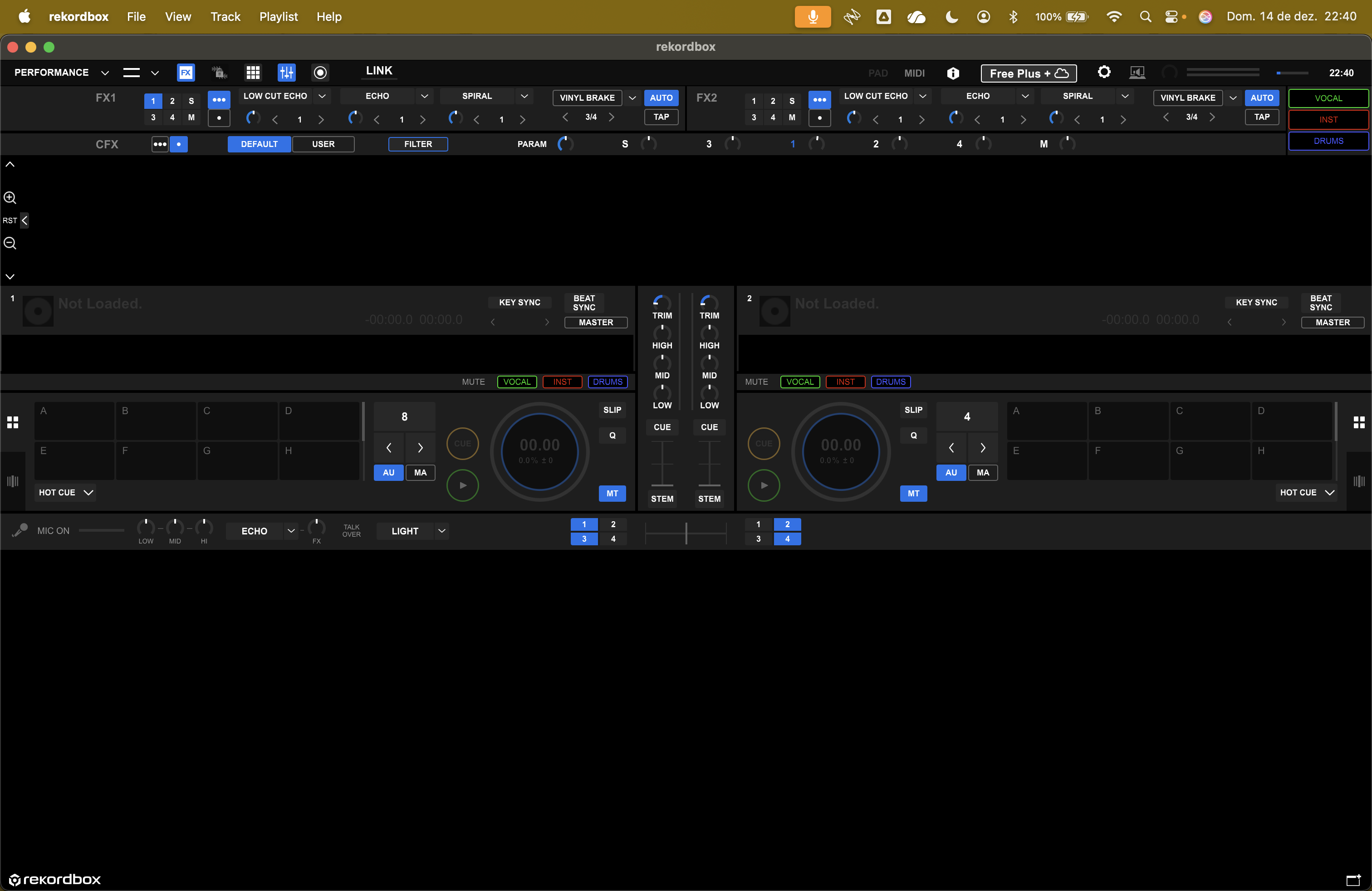
The Issues: Since the update, the software has become unstable. I have experienced spontaneous crashes/quitting, and on at least one occasion, the program opened but failed to load my music library entirely.
However, the most critical issue is the connection instability with the controller via USB.
Troubleshooting & Findings: I use a high-quality UDG USB cable, and I have confirmed that all USB power-saving settings on my Mac are disabled. Suspecting a power delivery issue, I decided to test the controller with an external power supply (USB-C PD) connected directly to the FLX4. This solved the connection drops.
The Problem: I never had this issue on previous versions. My MacBook's bus power was always sufficient to run the FLX4 perfectly without an external power source.
It seems like version 7.2.8 has altered how the software/hardware manages power or data, making bus power unreliable. It is quite inconvenient to now be forced to carry an extra power brick in my gig bag when the setup used to work seamlessly via a single cable.
Has anyone else experienced this specific power/connection behavior with the FLX4 on the new update? Is the dev team aware of this regression?
Thanks.
Can't find help? Search our Support Site or alternatively, reach out to our Support agents
users on Reddit are reporting similar instability with RB7 on Apple Silicon
I would like to add a critical detail I observed during these disconnection events which points to a deeper power management conflict.
At the exact moment the FLX4 disconnects and the software becomes unstable, I noticed that the LED indicator on my MacBook's MagSafe connector turns off momentarily.
This happens even though the MacBook is plugged into wall power. The MagSafe light going dark suggests that the system is triggering a hardware protection mechanism (resetting the USB bus or PMU), likely due to a power surge or incorrect power negotiation request coming from the controller/software.
This confirms that the issue introduced in 7.2.8 is not just a simple data connection drop, but a serious power management conflict that forces the Mac M1 to cut power to the ports to protect itself.
Again, this behavior was completely absent in previous versions.
I have investigated further and found the specific action that triggered the instability.
After the initial update to 7.2.8, the controller actually worked perfectly for a few hours.
The issues started the exact moment I changed the Stems setting from 3-part (Standard) to the new 4-part (Advanced) mode.
Immediately after this switch, the connection drops and MagSafe blinking began.
Crucially, even after reverting the setting back to 3-part mode, the instability persisted, suggesting that the 4-part mode either corrupted a temporary configuration or introduced a system state that the software cannot recover from without a full reset.
It seems the new 4-part separation algorithm is too aggressive on power/CPU resources for the bus power to handle, and it "broke" the stability of my session.
load music lybrary fail:
FWIW, I have a MBP (M3 Max chip), on 15.7.2, DDJ-FLX4, running rekordbox 7.2.8, did a gig last night and no issues. I just have 1 USB-C cable going between the MBP and the FLX4; no external power. I am using 4 Stem mode, with "Prioritize sound quality" selected.
Any reason why you're on 15.6.1 and not 15.7.2? Have you tried all the USB-C ports? Is System Prefs -> Battery -> On Power Adapter (assuming your MBP is plugged in when using) set to High Power? is rb set to "Prioritize sound quality" or "Prioritize speed"? Do you have any other open software on your Mac? Open Activity Monitor to check if any other apps are hogging the CPU. Hope you can get your setup back to trouble-free!
Thanks for the feedback! It is good to know it is stable on the M3 Max.
However, keep in mind the M3 Max is significantly more power-efficient and capable of handling transient power spikes than the M1 Pro. It seems the M3 Max can "brute force" through the load that is causing the M1 Pro's protection circuit to trip.
Answering your questions:
OS Version: I will double-check for the 15.7.2 update, thanks.
Ports: Yes, I tested all ports with the same result.
High Power Mode: The M1 Pro chip actually does not support "High Power Mode" in macOS settings (that is exclusive to the Max chips). I have "Low Power Mode" disabled, of course.
Stems Setting: I was using the default setting. If "Prioritize Sound Quality" demands more CPU, switching to "Speed" might help, but I haven't tested that yet as I need to rely on the external power for stability now.
MagSafe Behavior: The key differentiator here is the MagSafe LED blinking/turning off when the disconnection happens. This indicates a hardware-level power protection trip on the motherboard, which suggests the software is causing an abnormal power surge that the M1 Pro's bus cannot sustain.
Can you please file an inquiry ticket here and our support team will gather some additional information to assist you in resolving this issue.
7 comments