
[Answered] Opus Quad Master channel indicator lights not working
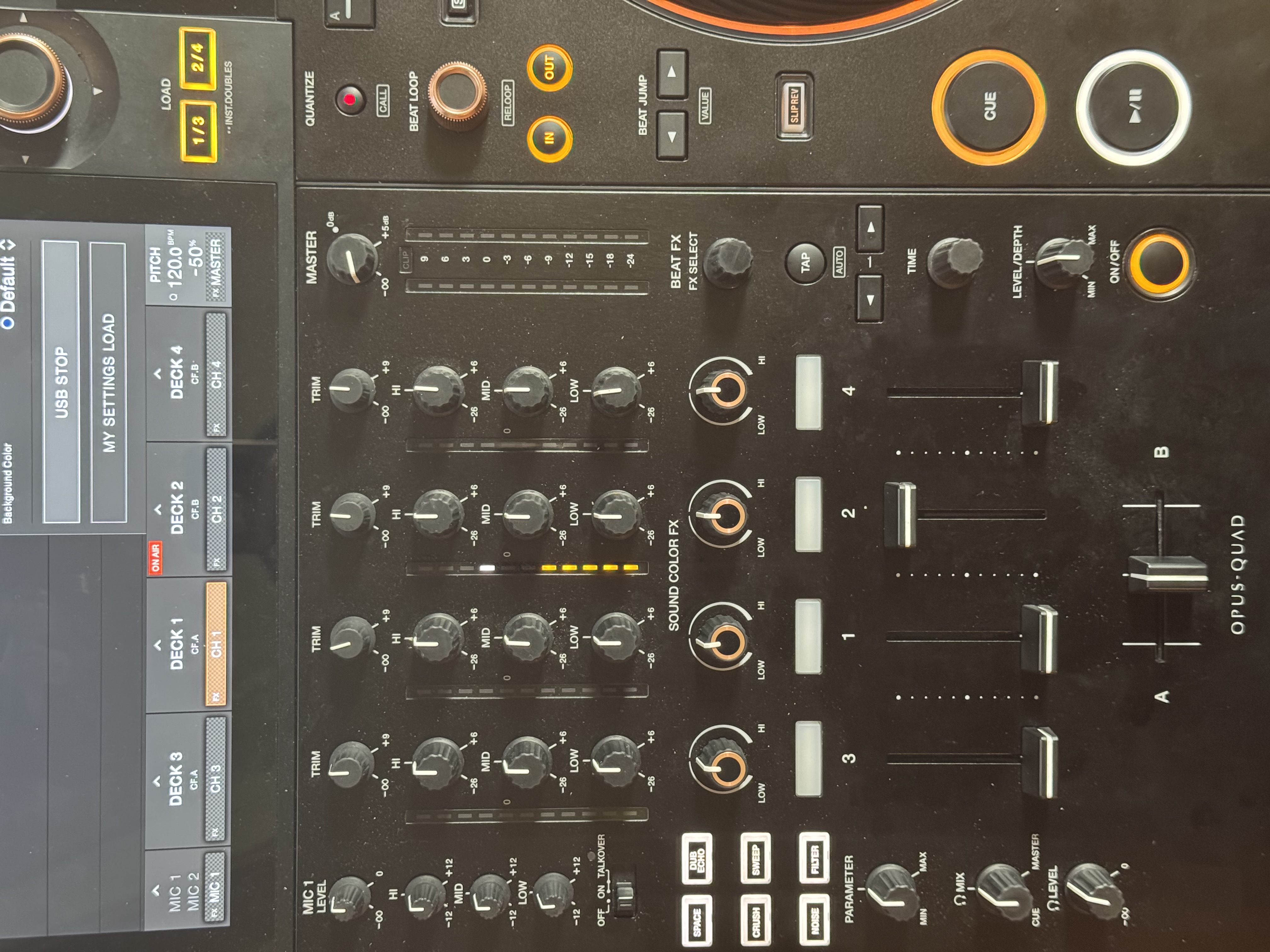
Just got an Opus Quad out of the box and been testing it. I am using the Master 1 output with XLR cables. When playing a song, its channel level indicator lights react as expected. However, the lights for Master channel stay off.
I can see the LEDs are working during the boot up sequence, but during use they never turn on.
Is there a setting that could disable the Master channel indicator lights? Seems like a defect to me but maybe I am missing something.
Edit: my Master trim was simply not high enough. Increasing the Master made the level go above -24db and I got the lights as expected.
Please sign in to leave a comment.
Can't find help? Search our Support Site or alternatively, reach out to our Support agents
What happens if you turn the MASTER Vo to the right?
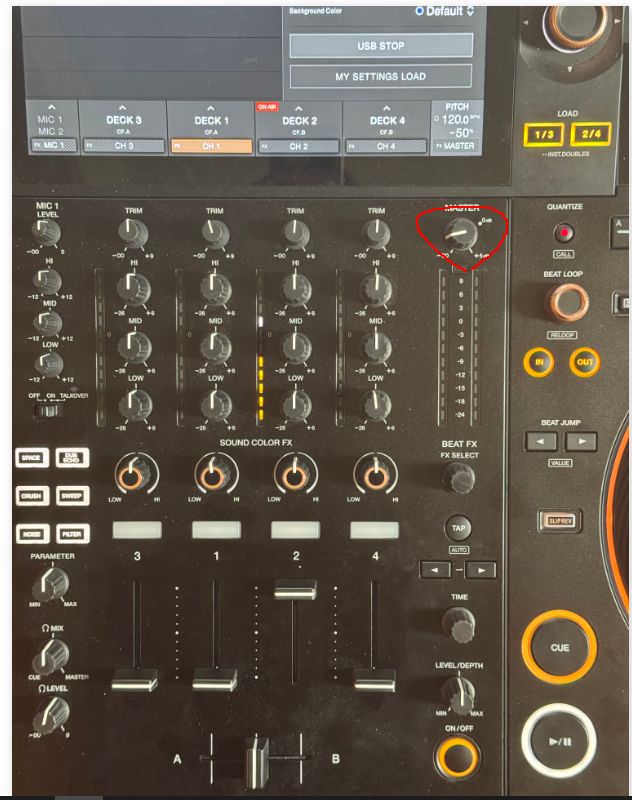
turn the master knob volume up, it is so low it is probably not loud enough to trigger a LED
That was it! Thanks guys.
I unplugged the speakers and set the Master trim higher. Lights were triggered as expected.
My monitors don't have level knobs so I had to keep Master trim quite low to not piss off all the neighbors 😂 Level never went higher than -24db, thus no lights
3 comments